Contact

Princeton University Cataloging Documentation
Contact |
Princeton University Cataloging Documentation |
OCLC Return to OCLC main Customize toolbar Quick tools
|
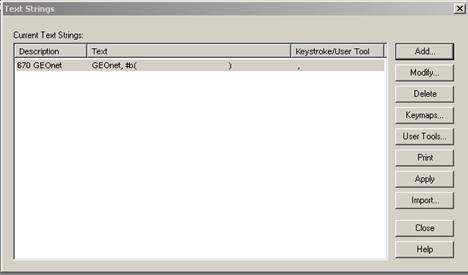
Text strings Click Tools > Text Strings (or in the text strings quick tool on the toolbar, or <Alt><T><S>)
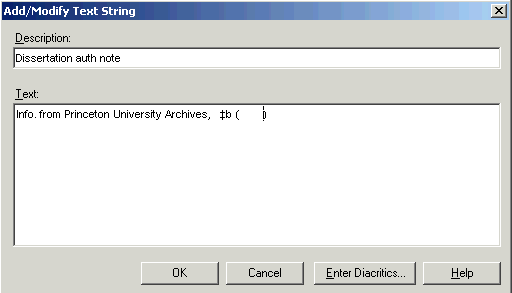
In the Text Strings window, click Add. In the Add/Modify Text Strings window, in the Description box, enter a unique description for the text string you want to create. In the Text box, enter the text.
Click Use a text string: With a record open, place the cursor in the location where you want to insert a text string. Click Tools > Text Strings (or use the text strings quick tool on the toolbar,or <Alt><T><S>) Choose the text string you want Click
|
| ©2008 Princeton University Last Modified 09/04/2008 |